An email list is one of the few marketing channels a business actually controls outright. Social platforms can throttle organic reach overnight, and ad costs tend to climb every year regardless of how well a campaign performs. Email doesn’t work that way. Once someone subscribes, you can reach them directly, on your own schedule, without paying a platform for the privilege each time.
The catch is that owning that channel still requires the right tool behind it. Sending a handful of emails manually works fine for a small list, but once you need automated welcome sequences, abandoned cart recovery, or audience segmentation, doing it by hand quickly becomes unmanageable. That’s the gap an email marketing plugin fills on a WordPress site, connecting your forms, your store, and your subscriber list into a system that runs largely on its own.
Not every plugin in this space is built for the same kind of site, though. Some are designed specifically around ecommerce revenue. Others aim squarely at beginners who just want a clean way to send a newsletter. A few run entirely inside WordPress itself rather than depending on an external platform. This guide compares seven of the more established options, what each one does particularly well, and which type of site each one actually fits.
What Does an Email Marketing Plugin Actually Do?
An email marketing plugin connects your WordPress site’s signup forms to an automated system that sends welcome emails, newsletters, and behavior triggered messages like cart recovery reminders, while also tracking opens, clicks, and revenue generated from each campaign.
Without one, growing an email list on WordPress means manually exporting contacts, sending individual campaigns through a separate tool with no real connection to your site’s actual traffic or purchase behavior, and having no automated way to follow up when someone abandons a cart or hasn’t opened an email in months. An email marketing plugin closes that gap by linking your site directly to your subscriber list, so a form submission, a purchase, or an abandoned cart can trigger a relevant email automatically rather than requiring manual effort every time.
How These Plugins Were Compared
Rather than ranking these tools purely on feature count, this comparison focused on the practical differences that actually affect day to day use.
Automation depth. Can the plugin build multi step workflows triggered by real behavior, a purchase, an abandoned cart, a specific tag, or is it limited to a single welcome email and little else?
Ecommerce integration. For store owners specifically, does the plugin track purchase history, recommend products, and recover abandoned carts, or is that kind of functionality bolted on rather than built in?
Deliverability. Does the platform have a track record of landing in the inbox reliably, since even a well designed campaign is worthless if it lands in spam?
Ease of setup. Can a non-technical user get a functioning workflow running within a reasonable amount of time, or does it require substantial configuration before it does anything useful?
Pricing structure. Does the cost scale predictably as a list grows, and is the free tier genuinely usable, or does it exist mainly to push an upgrade almost immediately?
Quick Comparison of the Best Email Marketing Plugins
| Plugin | Best For | Pricing Model | Standout Strength |
|---|---|---|---|
| Omnisend | Ecommerce stores | Free tier, then contact based | Built-in email, SMS, and push in one workflow |
| Klaviyo | Advanced ecommerce personalization | Free tier, then contact based | Predictive analytics and deep segmentation |
| Brevo | Budget-conscious automation | Free tier, then volume based | Priced by emails sent, not list size |
| Sender | Simplicity and deliverability | Free tier, then usage based | Clean interface with strong inbox placement |
| Mailchimp | Beginners | Free tier, then contact based | Large template library and integration ecosystem |
| FluentCRM | WordPress-native control | One-time payment | Self-hosted, no recurring subscription |
| HubSpot | All-in-one CRM and email | Free tier, then tiered plans | Email marketing bundled with a full CRM |
7 Best Email Marketing Plugins for WordPress
1. Omnisend: Best for Ecommerce Automation
Omnisend was built specifically around online stores, which shows in how its automation workflows are framed from the start: cart recovery, welcome sequences, and post-purchase follow-ups come as ready-made templates rather than something you build entirely from scratch.

What sets it apart from a purely email-focused tool is that it combines email, SMS, and push notifications into the same workflow builder, so a single automation can text a customer about an abandoned cart and follow up by email a day later without needing separate systems for each channel.
Where it’s strong: the pre-built ecommerce workflows mean a store owner can have cart recovery and welcome automation running within an afternoon rather than building every step manually.
Where it falls short: SMS sending requires separate credits on top of the base plan, and the platform is built specifically around ecommerce, so a content site or service business won’t get much value from its ecommerce-specific features.
Best for: WooCommerce and other online stores that want automation built around actual buying behavior rather than generic email sequences.
2. Klaviyo: Best for Advanced Personalization
Klaviyo leans heavily into data. Rather than segmenting a list by simple tags, it builds profiles around browsing history, purchase frequency, and predicted future behavior, which lets campaigns get considerably more specific than “everyone who bought product X.”

The tradeoff for that depth is a steeper learning curve. Klaviyo rewards a store that’s willing to invest time into setting up its segmentation and automation properly, and that investment pays off more clearly at a larger scale than it does for a small list just getting started.
Where it’s strong: the predictive analytics and granular segmentation genuinely help larger stores target campaigns more precisely than most competitors can match.
Where it falls short: pricing climbs quickly as a contact list grows, and the interface takes longer to feel intuitive compared to more beginner oriented tools.
Best for: established ecommerce brands with enough order volume to make deep personalization worth the setup time.
3. Brevo: Best for Budget-Conscious Automation
Brevo, formerly known as Sendinblue, takes a different approach to pricing than most competitors on this list. Instead of charging based on how many contacts are on your list, it charges based on how many emails you actually send, which tends to favor businesses with a large list that doesn’t email everyone constantly.
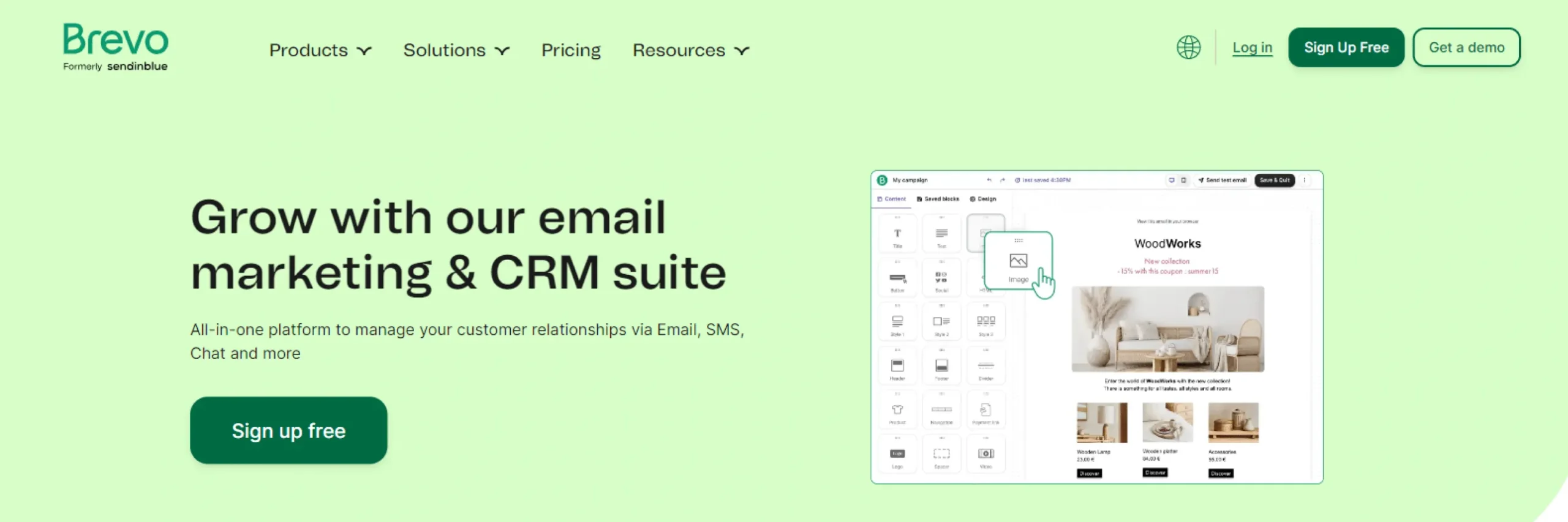
Beyond marketing campaigns, Brevo also handles transactional email, the order confirmations, password resets, and account notifications a site sends automatically, which matters for stores that would otherwise need a separate service just for those system generated messages.
Where it’s strong: the volume based pricing model can be noticeably more affordable for a large, infrequently emailed list than a typical per-contact pricing structure.
Where it falls short: the design tools feel a bit more basic than some premium competitors, and several of the more advanced automation features are reserved for higher tiers.
Best for: startups and growing businesses that want solid automation and transactional email support without per-contact pricing eating into the budget as the list grows.
4. Sender: Best for Simplicity and Deliverability
Sender doesn’t try to compete on feature count. Instead, it focuses on doing the core job well: getting campaigns built quickly and getting them delivered reliably, without a cluttered interface standing in the way.
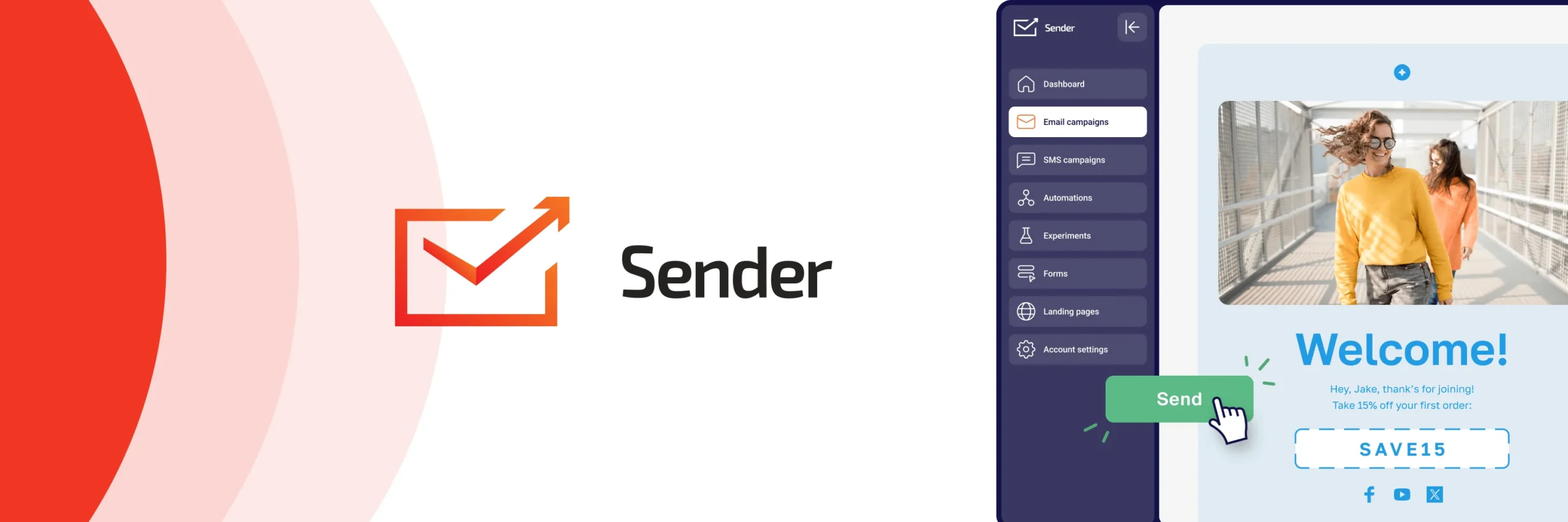
For a smaller business or a solo blogger, that focus tends to matter more than an extensive feature list they’d never fully use anyway. The tradeoff is that Sender’s automation capabilities are noticeably lighter than platforms like Omnisend or Klaviyo, so it suits straightforward campaigns better than complex, multi-branch workflows.
Where it’s strong: a genuinely clean setup process paired with a track record of solid inbox placement.
Where it falls short: advanced automation and third-party integrations are more limited than the larger platforms on this list.
Best for: small businesses, bloggers, and anyone who wants reliable email delivery without a steep learning curve.
5. Mailchimp for WordPress: Best for Beginners
Mailchimp remains one of the most widely recognized names in email marketing, and its WordPress integration makes it straightforward to connect signup forms directly to a Mailchimp audience without much technical setup.

Its real strength is the sheer size of its template library and integration ecosystem, which means a beginner rarely has to build something from a blank canvas. Basic automation, a welcome email, a simple abandoned cart reminder, is available without needing to understand a workflow builder in much depth.
Where it’s strong: an approachable interface and a huge library of pre-made templates make it easy to get a professional looking campaign out quickly.
Where it falls short: pricing rises noticeably as a list grows, and its automation and segmentation tools are less sophisticated than ecommerce-focused platforms like Omnisend or Klaviyo.
Best for: beginners and small businesses who want an easy starting point and don’t yet need advanced automation.
6. FluentCRM: Best for WordPress-Native Control
FluentCRM takes a fundamentally different approach from the rest of this list. Instead of connecting WordPress to an external platform, it runs entirely inside the WordPress dashboard, which means your contact data stays on your own server rather than living on someone else’s infrastructure.

That structure also changes the pricing model. Rather than a recurring monthly subscription tied to list size, FluentCRM is typically sold as a one-time purchase, which can add up to meaningful savings for a list that grows substantially over time.
Where it’s strong: full data ownership and no recurring per-contact fees make it appealing for anyone who wants to avoid a growing subscription cost as their list expands.
Where it falls short: deliverability depends more heavily on your own hosting and email sending setup than it would with a dedicated SaaS platform, and getting everything configured correctly takes more technical comfort than the plug-and-play platforms on this list.
Best for: WordPress users who want full ownership of their email system and are comfortable handling a bit more setup in exchange for no recurring subscription.
7. HubSpot: Best All-in-One CRM and Email Platform
HubSpot’s email marketing tools are really one piece of a much larger system that includes a full CRM, sales pipeline tools, and broader marketing analytics. For a business that wants all of that connected in one place rather than stitched together from separate tools, that integration is the main draw.

Campaigns can be built around lifecycle stage and engagement data pulled directly from the CRM, which lets a workflow respond to more than just email activity alone, factoring in where a contact actually sits in the sales process.
Where it’s strong: having email marketing, CRM, and sales tools under one roof avoids the data silos that come from stitching several separate platforms together.
Where it falls short: the full platform can feel like more than a small site needs, and the more advanced automation and reporting features sit behind higher priced tiers.
Best for: growing businesses that want email marketing bundled with a genuine CRM rather than a standalone email tool.
Which Email Marketing Plugin Fits Your Site?
If you’re running an ecommerce store: Omnisend and Klaviyo are both built specifically around online selling, with Omnisend generally easier to get started with and Klaviyo offering deeper personalization for stores with more order volume.
If you’re just starting out: Mailchimp and Sender both offer an approachable setup without requiring much prior experience with email marketing tools.
If budget is the main concern: Brevo’s volume based pricing and Sender’s affordable plans both provide solid functionality without the steep per-contact costs some platforms charge as a list grows.
If you want full control and no recurring subscription: FluentCRM keeps everything inside WordPress and is typically sold as a one-time purchase rather than an ongoing fee.
If you want a unified system beyond just email: HubSpot bundles email marketing with a full CRM, which suits a business that wants sales and marketing data connected rather than living in separate tools.
Email Marketing Habits That Matter More Than the Tool
Choosing a strong plugin only solves part of the problem. A few habits tend to matter just as much as which platform you pick.
Building a list with genuinely interested subscribers matters more than building a large one quickly. A smaller list of people who actually open and click your emails outperforms a larger list full of addresses that never engage, regardless of which tool is sending the campaigns.
Segmenting your audience, even with something as simple as separating new subscribers from repeat customers, tends to noticeably improve engagement compared to sending the same message to everyone on your list.
Setting up at least a basic set of automated workflows, a welcome sequence, an abandoned cart reminder, and an occasional re-engagement email for inactive subscribers, does far more for long term results than relying entirely on manually sent campaigns.
Testing consistently, rather than assuming your first version of a subject line or send time is the best one, is what actually improves performance over months rather than staying flat.
Mistakes That Undermine Even a Good Email Platform
A strong plugin won’t fix a few recurring mistakes that show up across all kinds of email marketing setups.
Emailing too frequently without enough value. Sending promotional messages every few days without any useful content mixed in tends to increase unsubscribes and push down open rates over time.
Ignoring the data the platform already provides. Open rates, click through rates, and revenue per email all point toward what’s actually working, but only if someone actually reviews them regularly instead of just sending and moving on.
Sending the same message to everyone. Treating a brand new subscriber the same as a customer who’s purchased five times wastes the opportunity to say something more relevant to each group.
Neglecting how campaigns look on mobile. Since most people check email on a phone, a template that isn’t properly responsive can make an otherwise well written campaign difficult to read or act on.
Frequently Asked Questions
It depends on the site. Omnisend and Klaviyo are generally the strongest choices for ecommerce stores, Mailchimp and Sender suit beginners well, Brevo fits budget-conscious businesses with larger lists, FluentCRM suits anyone who wants a self-hosted option with no recurring fee, and HubSpot fits businesses that want email bundled with a full CRM.
Most of the platforms on this list, including Omnisend, Brevo, Mailchimp, Sender, and HubSpot, offer a free tier that’s genuinely usable for a small list, though the specific limits on contacts or monthly emails vary between them.
Omnisend and Klaviyo both integrate closely with WooCommerce, tracking purchase history and automating cart recovery, product recommendations, and post-purchase follow-ups specifically around store activity.
Mailchimp is generally easier to start with and suits beginners or smaller lists, while Klaviyo offers deeper ecommerce specific segmentation and predictive analytics, which tends to matter more once a store has enough order volume to make that level of personalization worthwhile.
It depends on what you’re optimizing for. FluentCRM avoids a recurring subscription and keeps your data on your own server, but it requires more technical setup and depends on your own hosting for deliverability, whereas a SaaS platform handles that infrastructure for you at the cost of an ongoing fee.
Most modern email plugins and integrations are built to load lightly, since the bulk of the actual sending happens on the platform’s own servers rather than your site. A plugin that runs entirely inside WordPress, like FluentCRM, can add somewhat more load since it handles more processing locally.
Pricing varies widely. Some platforms charge based on the number of contacts on your list, others charge based on how many emails you send each month, and a few, like FluentCRM, use a one-time purchase model instead of a recurring subscription.
Generally yes. Most platforms allow you to export your subscriber list as a CSV file and import it into a new platform, though automation workflows and segmentation tags typically need to be rebuilt manually in the new system.
Final Thoughts
The right email marketing plugin depends far more on what kind of site you’re running than on which platform is most talked about. An ecommerce store recovering abandoned carts and a blogger sending a weekly newsletter need very different things from a tool, even though both fall under the same broad category of “email marketing plugin.”
Omnisend and Klaviyo make the most sense for stores that want automation built around actual purchase behavior. Mailchimp and Sender offer the gentlest learning curve for anyone just getting started. Brevo suits a budget-conscious business with a sizable list. FluentCRM fits anyone who wants full ownership without a recurring fee, and HubSpot suits a business that wants email folded into a larger CRM system.
Whichever platform you choose, remember that the tool only handles the mechanics. The list quality, the segmentation, and the actual value in what you send are what determine whether email becomes a genuine growth channel or just another inbox people learn to ignore.