
DRAG & DROP BUILDER
Design high-converting popups, lead capture forms, and offers with an easy drag-and-drop editor. Add text, images, form fields, buttons, coupons, countdowns and more — and see changes instantly in real time.
No code required
GDPR ready
Works with any theme
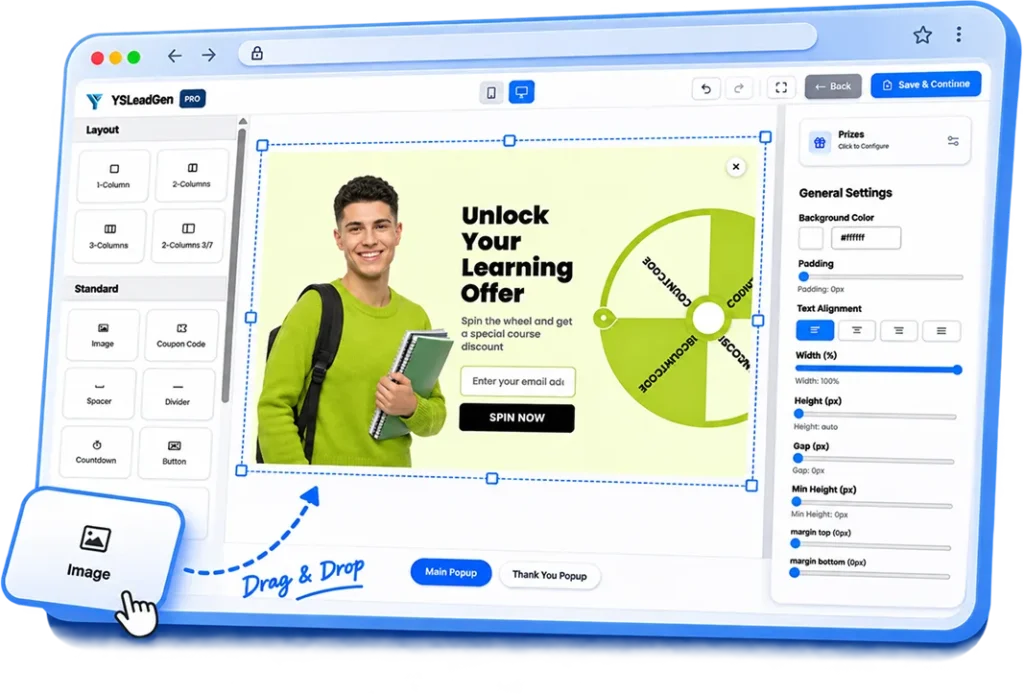
TWO WAYS TO CAPTURE LEADS
Create eye-catching popups to engage visitors at the right moment and beautiful forms to collect leads anywhere on your website — all from the same drag-and-drop builder.
Create Stunning Popups
Display targeted popups to promote offers, collect email signups, share announcements and more.
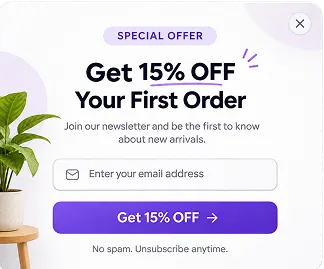
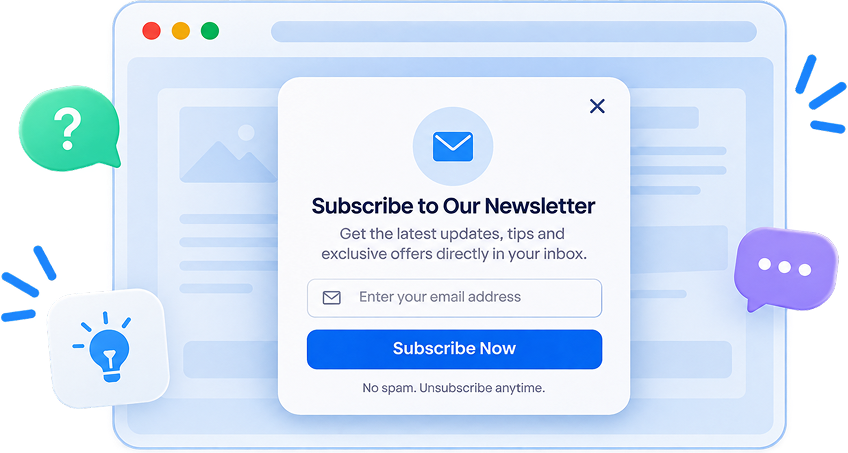
Newsletter Popups
Exit Intent Popups
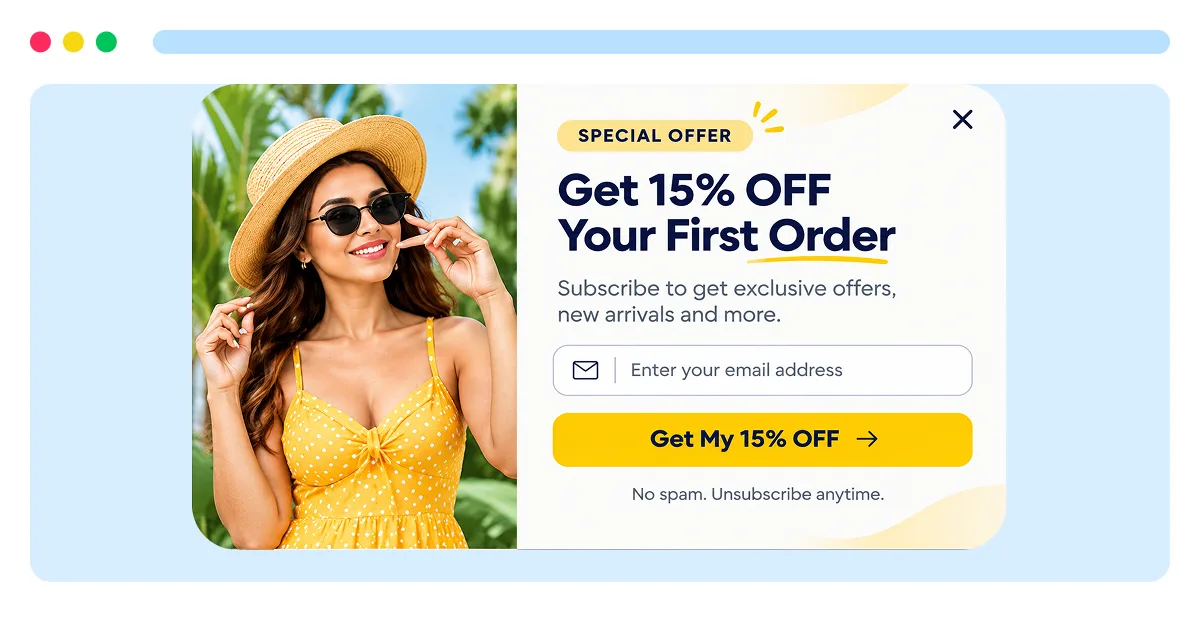
Coupon Popups
Announcement Popups
Turn visitors
into subscribers
with beautiful popups
Build Flexible Forms
Create lead capture forms, contact forms, and custom forms with drag-and-drop — and embed them anywhere on your site.
Contact Forms
Newsletter Forms
Custom Forms
Multi-step Forms
Turn visitors
into subscribers
with beautiful popups
HOW IT WORKS
Design, customize and publish high-converting popups and forms with our easy drag-and-drop builder.
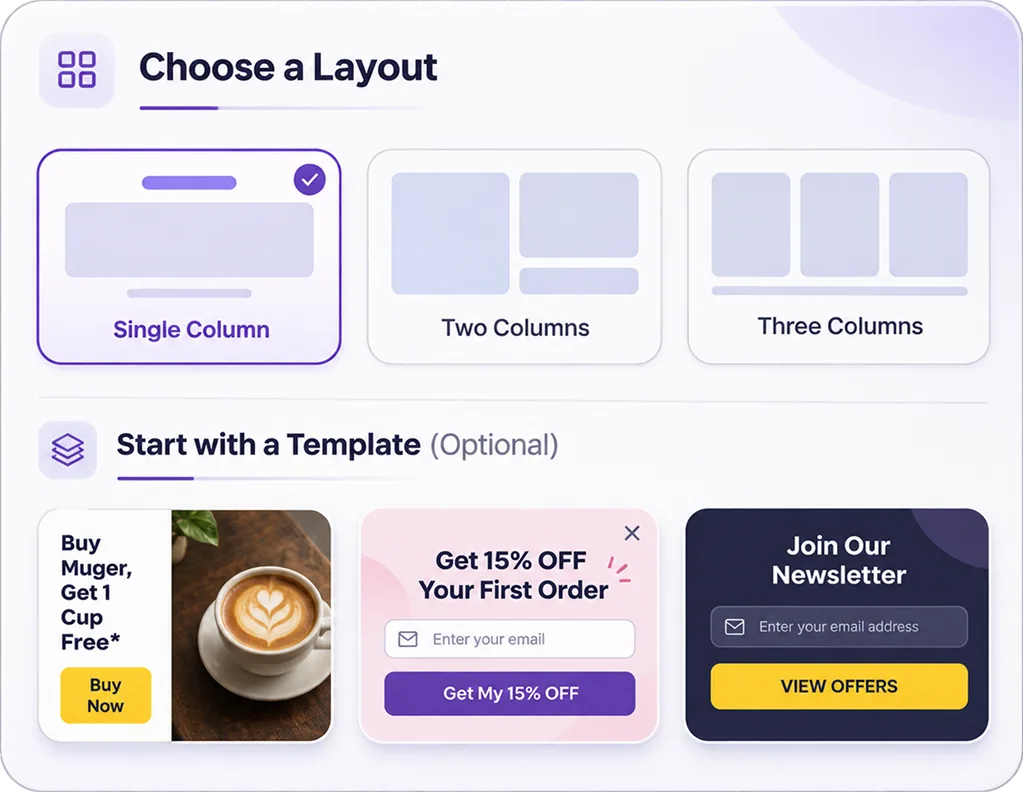
Choose a Layout
Start from a blank canvas or pick a pre-designed layout for popups or forms. Choose single, 2-column or 3-column designs.
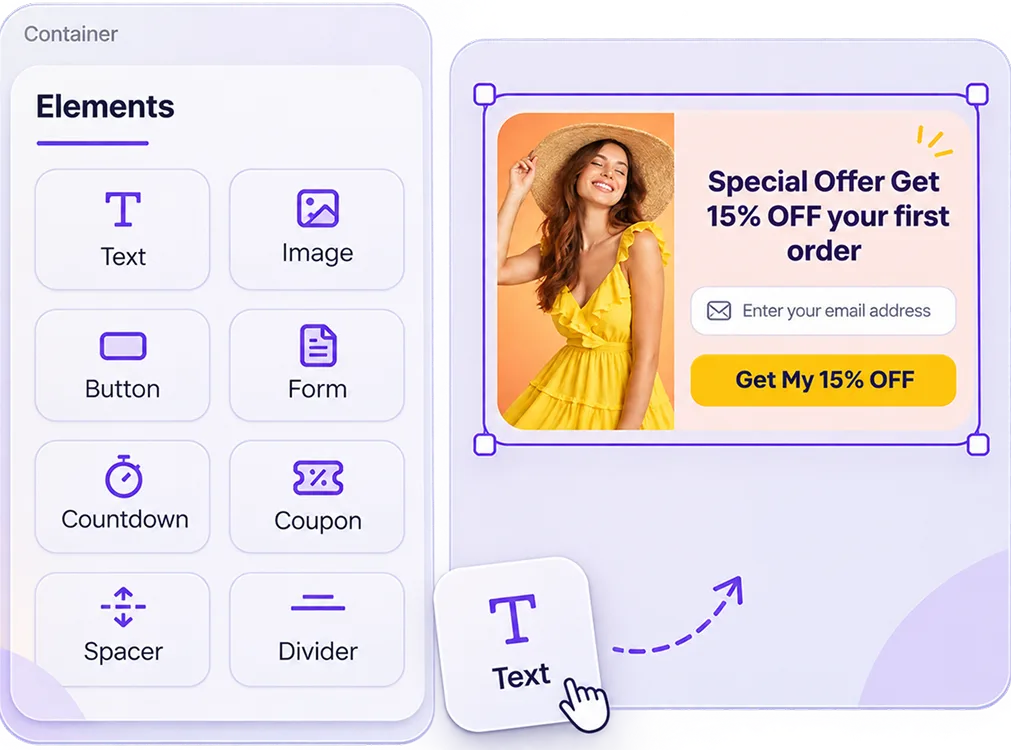
Drag & Customize
Add text, images, forms, buttons, coupons, countdowns and more. Customize colors, fonts, spacing and everything in real time.
Publish & Convert
Set your triggers, targeting and display settings. Publish your popup or form and start collecting leads instantly.
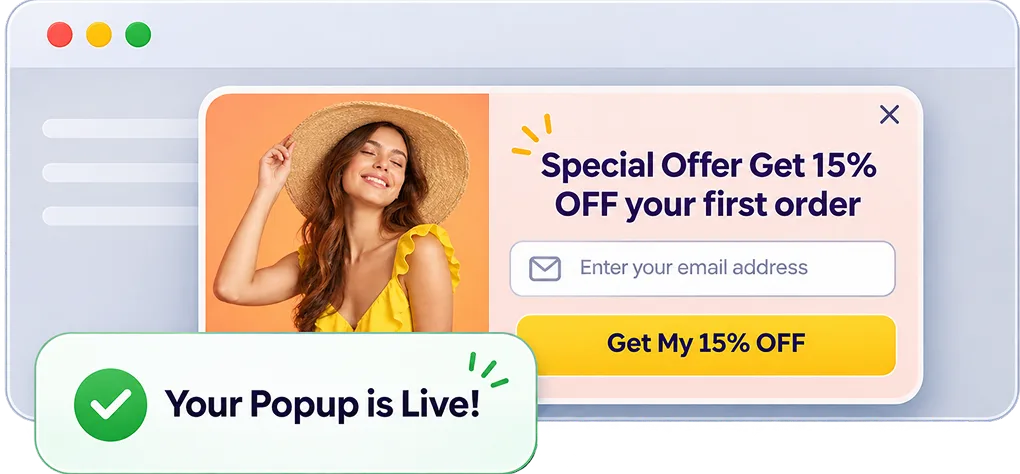
Triggers & Targeting
Use smart triggers and targeting rules to display your popups and forms to the right audience, at the right time, and on the right pages.
Add Content
Drag text, images, buttons and form fields.
Customize Style
Adjust colors, fonts, spacing, border radius and more.
Rearrange Easily
Move, resize and align elements with drag and drop.
Live Preview
See your changes instantly in real time.
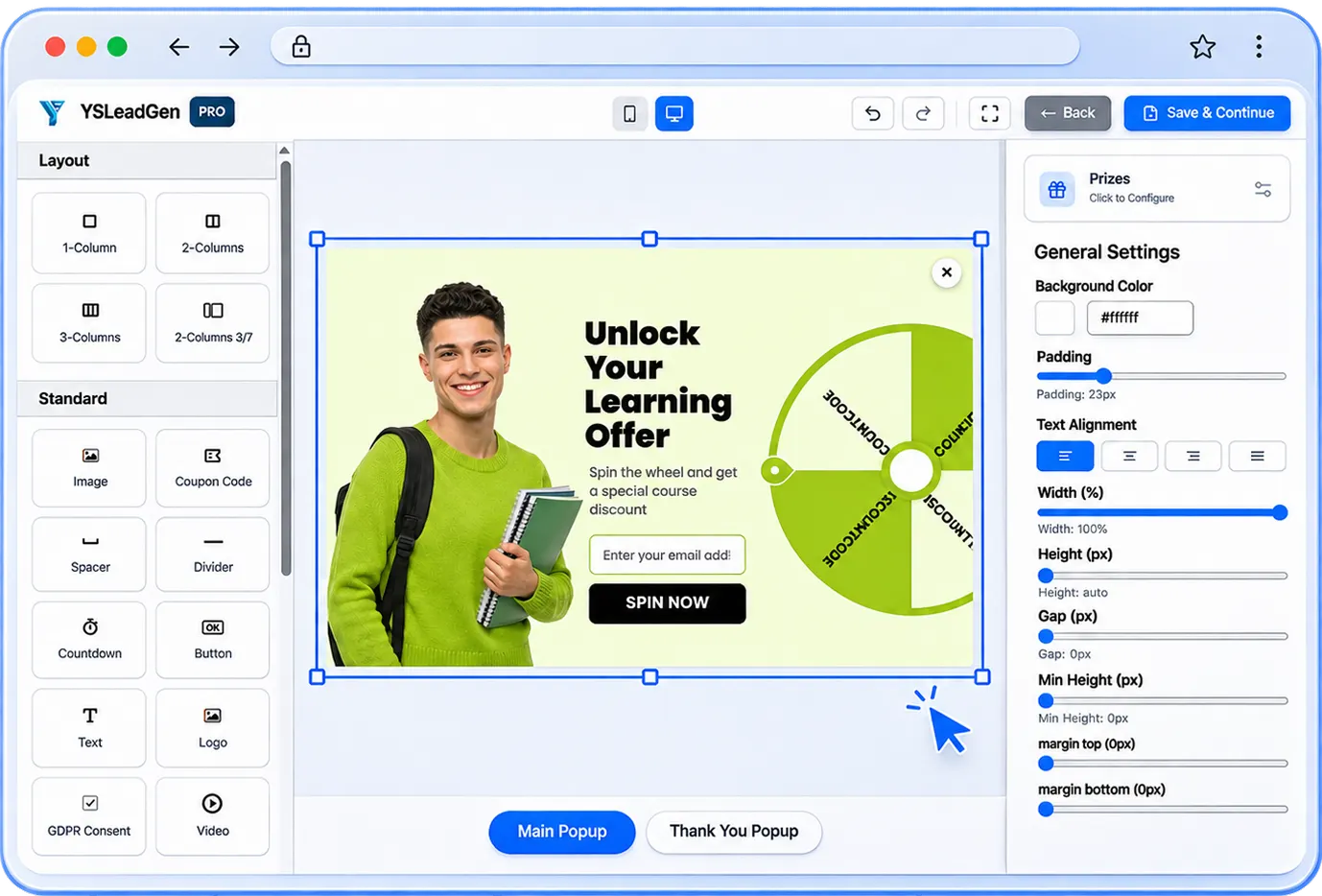
Fine-tune Design
Control every detail with pixel-perfect settings.
Responsive Design
Create popups that look great on all devices.
Reusable Templates
Save and reuse your designs to launch new campaigns in seconds.
Advanced Settings
Set visibility, animations and custom CSS (Pro).
READY-MADE TEMPLATES
Choose from professionally designed popup and form templates for newsletter signups, discount offers, spin-to-win, announcements, and more. Customize everything to match your brand — no coding required.

Newsletter Signup
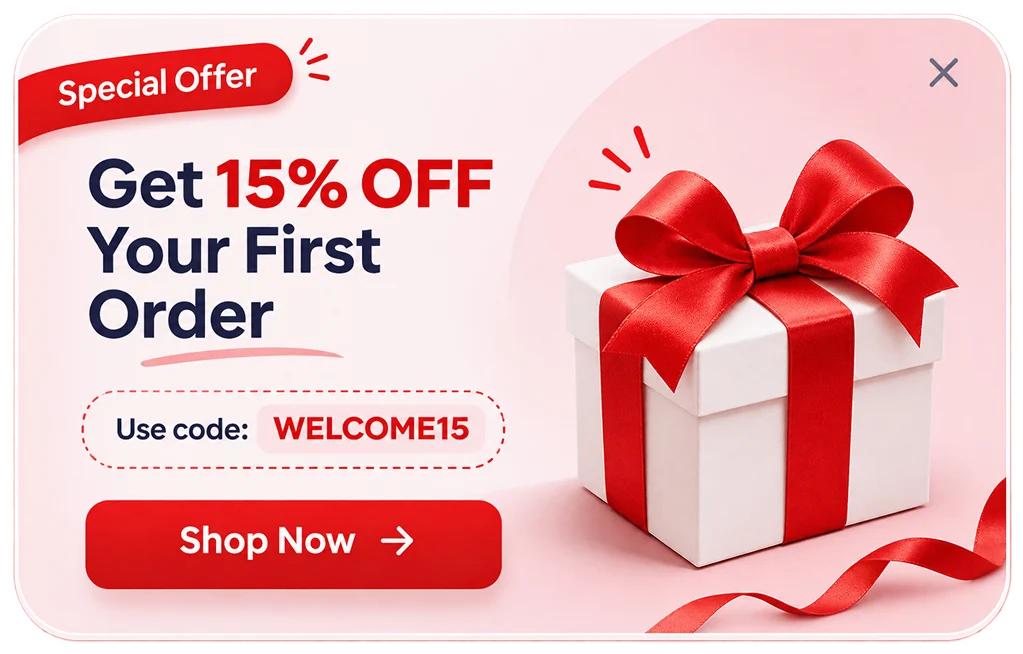
Discount Offer
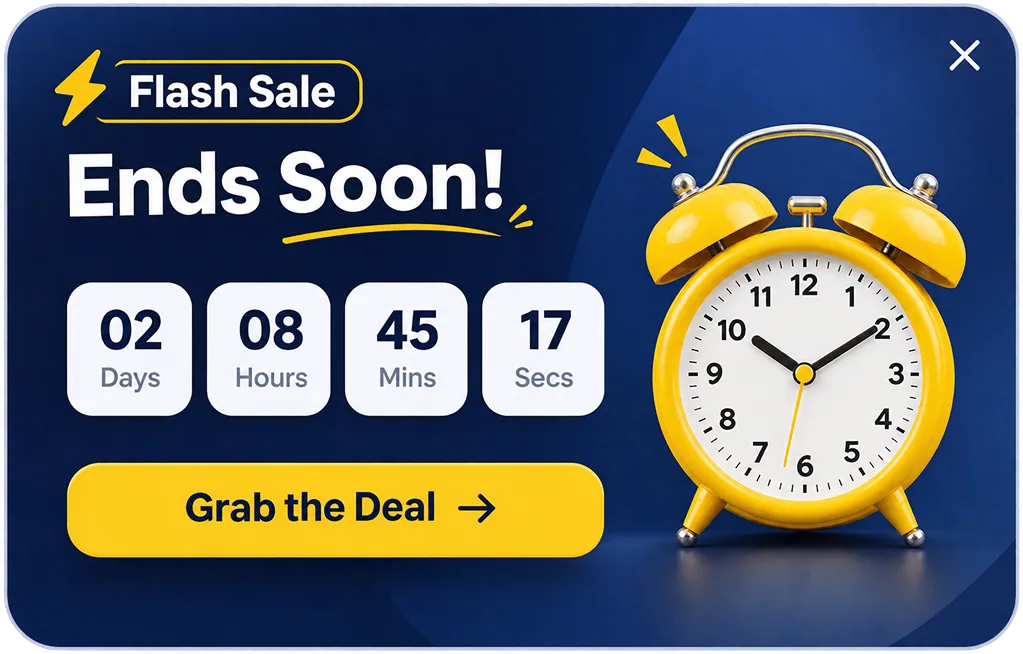
Countdown Popup

Lead Magnet

Webinar Registration
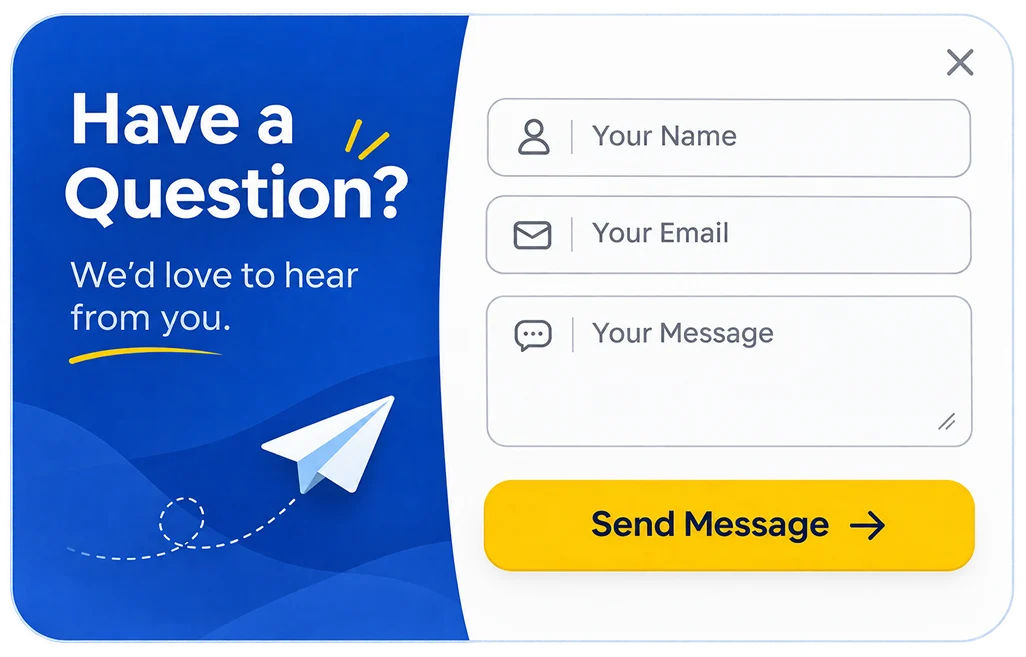
Countdown Popup
Browse All Templates
BUILDING BLOCKS
Choose from a wide range of elements and form fields to create any popup or form. Simply drag, drop and customize them to match your brand.
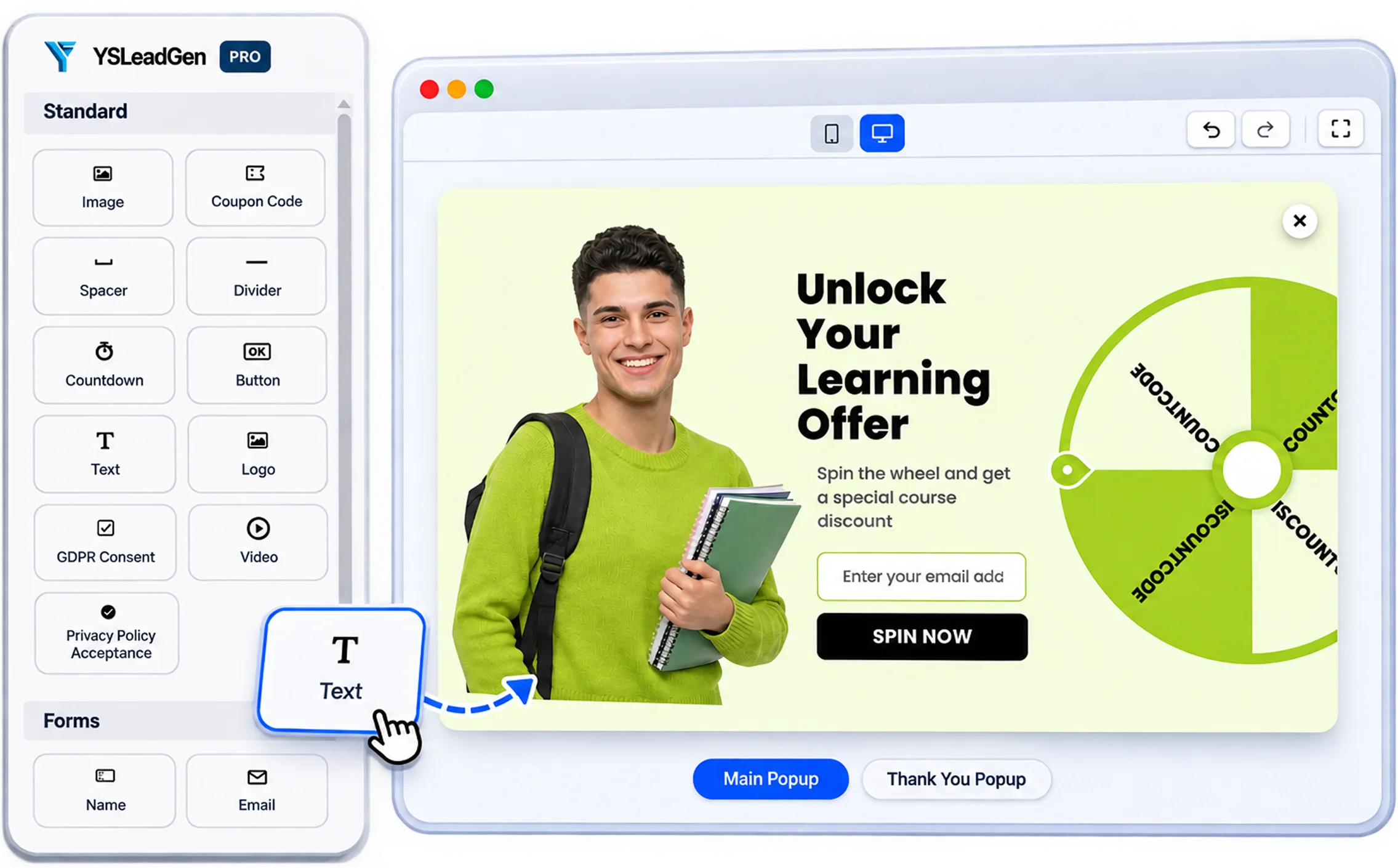
Add Content Easily
Drag text, images, buttons and form fields to create your design.
Customize Everything
Control colors, fonts, spacing, borders and more — no CSS needed.
Flexible Layouts
Create single, 2-column or 3- column popups and forms.
Mix & Match Elements
Combine elements to build any popup or form for your needs.
Flexible Layouts
Choose the perfect layout for your popup or form. YS LeadGen supports single, 2- column and 3-column layouts so you can create designs that match your content and brand.
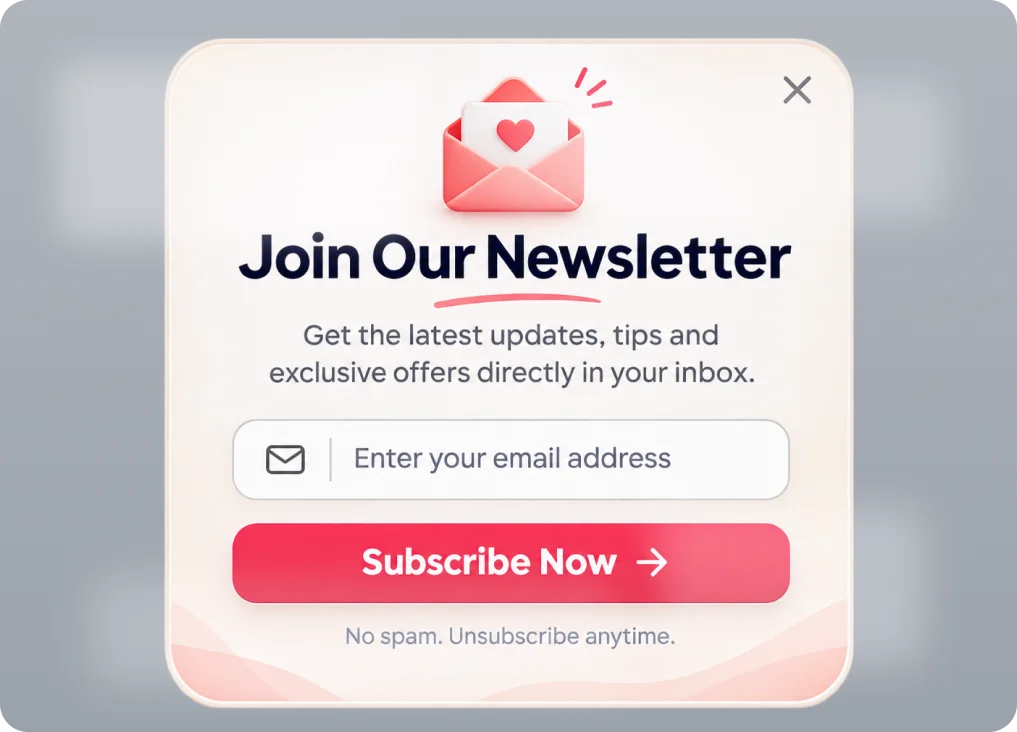
Single Column Layout
A clean and focused layout that's perfect for newsletter signups, simple offers and quick lead capture.
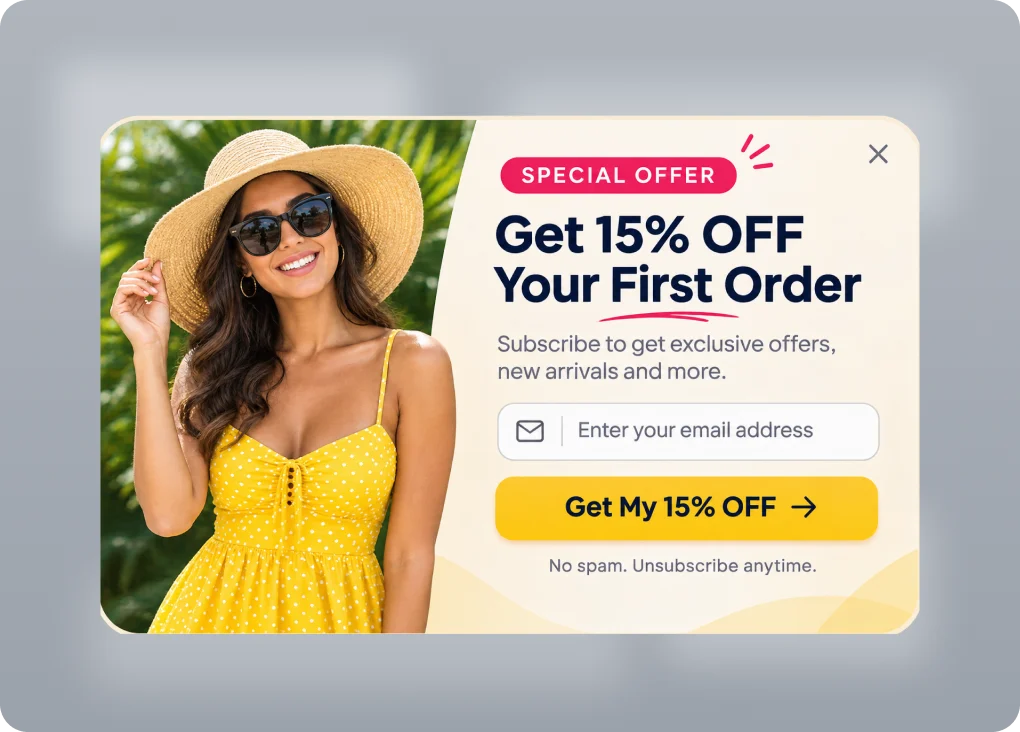
Two Column Layout
Place your image, content and form side by side to create eye-catching popups with higher conversions.

Three Column Layout
Show more content, multiple offers or resources in a modern 3-column layout that looks great on all devices.
BUILDING BLOCKS
Choose from a wide range of elements and form fields to create any popup or form. Simply drag, drop and customize them to match your brand.
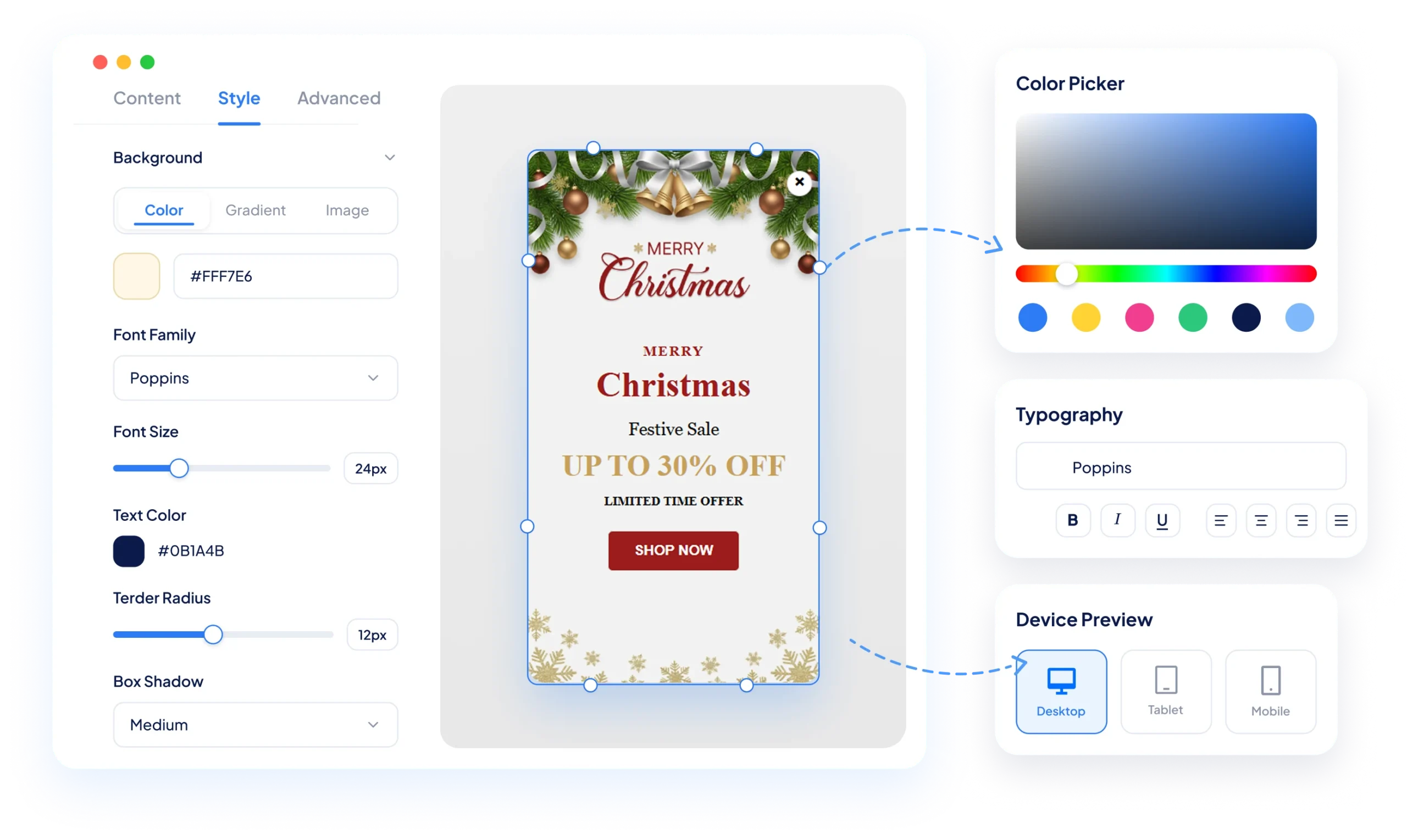
Colors & Typography
Match your brand with custom
colors, fonts and text styles.
Spacing & Alignment
Control padding, margin and alignment for a pixel-perfect design.
Borders & Effects
Add border radius, shadows and effects to make your popups stand out.
Background Options
Use solid colors, gradients or images to create engaging designs.
Live Device Preview
See how your popup or form looks on desktop, tablet and mobile in real time.
Triggers & Targeting
Use smart triggers and targeting rules to display your popups and forms to the right audience, at the right time, and on the right pages.
Exit Intent
Show popups when visitors are about to leave your site.
Time Delay
Display popups after a set number of seconds.
Scroll Trigger
Show popups when users reach a specific scroll percentage.
Page Views
Display based on the number of pages a visitor has viewed.
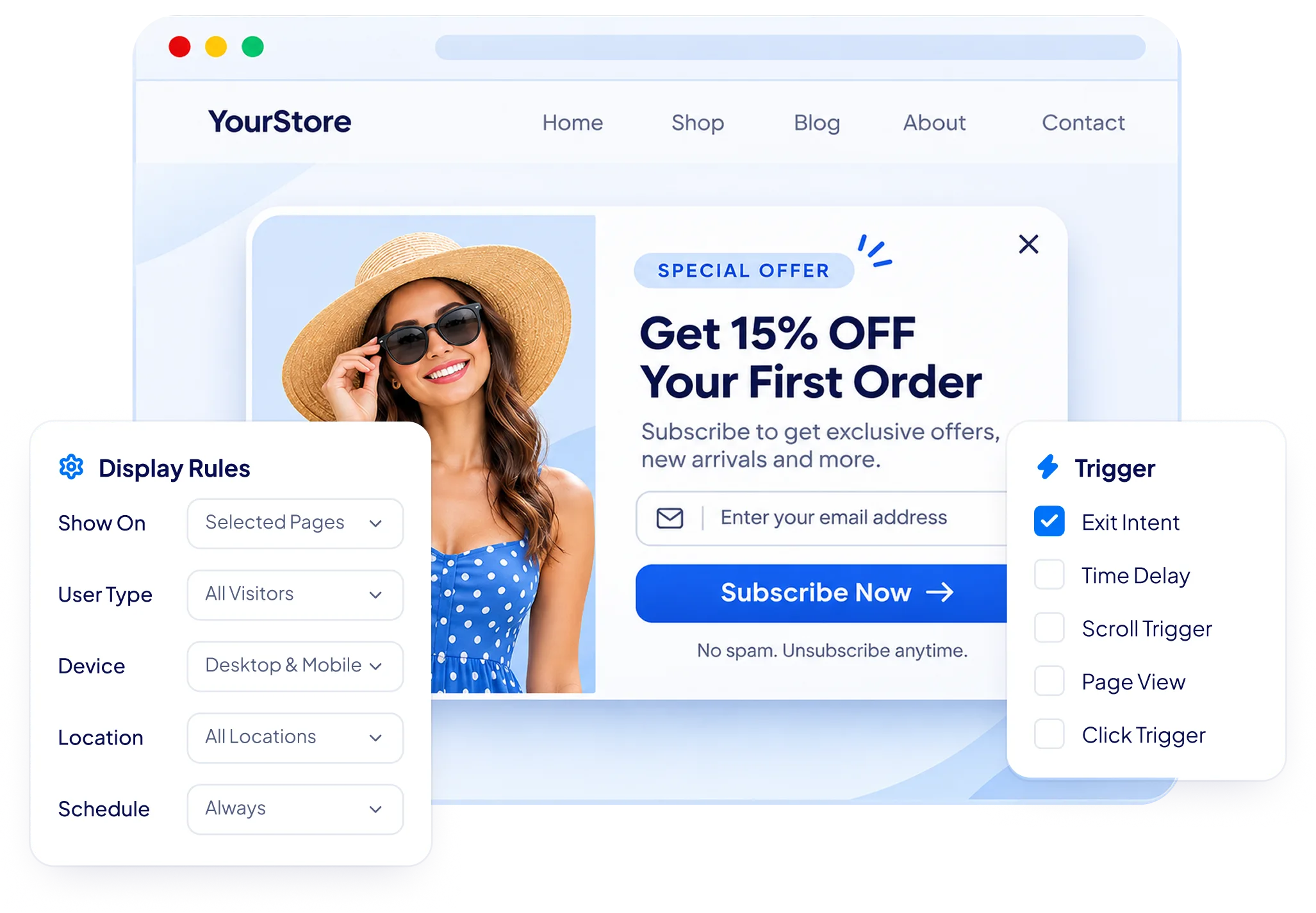
Click Trigger
Open popups when a user clicks a button, link or image.
Date & Time Scheduling
Schedule your campaigns for specific dates and times.
Audience Targeting
Show different popups for new visitors, returning visitors or specific user roles.
Device Targeting
Display customized campaigns on desktop, tablet or mobile.
Integrations
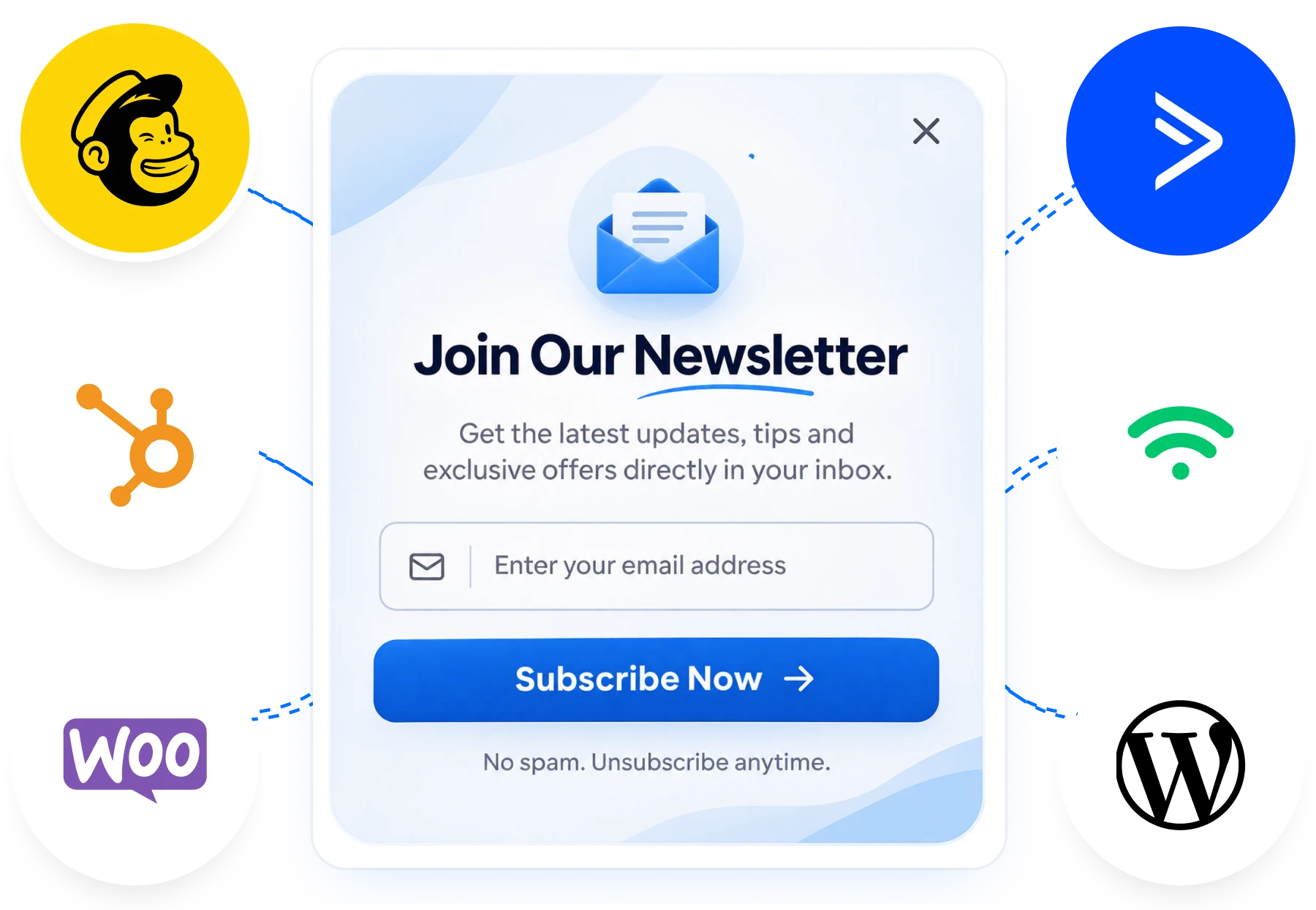
Easily integrate with popular email marketing, CRM and automation tools to sync your leads and grow your audience.
One-Click Integration
Connect your favorite tools in just a few clicks.
Auto Sync Leads
Send captured leads instantly to your integrated tools.
Work Smarter
Automate your marketing and focus on what matters — growth.
View All Integrations
No coding required. Set up in minutes.

Mailchimp

Brevo

Hubspot

Omnisend

ActiveCampaign

GetResponse

Drip

Zapier
WooCommerce
Webhooks

Klaviyo

WordPress
FREQUENTLY ASKED QUESTIONS
Find answers to common questions about the BFCM offer, pricing, features, and licenses.
Is YS LeadGen free?
Yes. YS LeadGen offers a free version with no time limit and no subscriber limit. You can create popup campaigns and forms, manage leads, track campaign performance, run A/B tests, and connect supported email marketing services and webhooks. The optional PRO version is a one-time purchase that adds more templates and design assets, additional automation features, and priority support.
Can I create both popups and forms?
Yes. YS LeadGen combines a WordPress popup builder and form builder in one plugin. You can create lead capture popups, newsletter signup forms, contact forms, multi-step forms, surveys, payment forms, and other campaigns, then display forms in popups or embed them within your website content.
Does YS LeadGen work with WooCommerce?
Yes. YS LeadGen supports WooCommerce campaigns with features such as cart and checkout triggers, cart-value targeting, dynamic coupons, cart recovery emails, and product recommendations. You can use these tools to promote offers, encourage signups, and engage shoppers during their purchase journey.
Do I need coding knowledge to use YS LeadGen?
No. YS LeadGen includes a visual drag-and-drop builder that lets you create and customize popups and forms without writing code. You can choose a template or start with a blank design, customize your campaign, configure display rules and triggers, and publish it from your WordPress dashboard.
Where are my leads stored?
YS LeadGen stores collected leads, subscribers, and form messages in your own WordPress database. You can manage your leads from WordPress and export them as a CSV file. If you connect an external email marketing platform or another service, relevant data may also be sent to that service.
Can I connect my email marketing service?
Yes. YS LeadGen supports integrations with email marketing platforms such as Mailchimp, HubSpot, Brevo, Klaviyo, Omnisend, ActiveCampaign, GetResponse, Drip, MailerLite, Kit, and AWeber. You can also connect supported services through webhooks and automation tools such as Zapier and Make.
Can I test different popup campaigns?
Yes. YS LeadGen supports A/B testing, allowing you to compare different versions of a campaign and evaluate their performance. You can also use campaign analytics to review views, leads, and visitor actions, helping you make more informed decisions about your popup and lead-generation strategy.
Can I try YS LeadGen before installing it?
Yes. You can explore the YS LeadGen live demo to experience the builder before installing the plugin on your WordPress website. You can also visit the documentation for setup instructions or contact the support team if you need assistance.
Get Started
Choose from a wide range of elements and form fields to create any popup or form. Simply drag, drop and customize them to match your brand.
Colors & Typography
Match your brand with custom colors, fonts and text styles.
Spacing & Alignment
Control padding, margin and alignment for a pixel-perfect design.
Borders & Effects
Add border radius, shadows and effects to make your popups stand out.
Background Options
Use solid colors, gradients or images to create engaging designs.
No Credit Card Required
Free Forever Plan
Quick 2-Minute Setup
More Leads
Growing Audience
More Leads